Answer "how are we doing?" before anyone asks.
Build ticket and asset reports in a few clicks, save them, and have them delivered on a schedule. No spreadsheet exports, no pivot tables at 4:55 on a Friday.
The questions you actually get asked
From the superintendent, the plant manager, or the board. Each one is a saved report away.
First response and resolution times, by team or priority.
Response and resolution status against every target.
Open tickets by status, priority, and age in days.
Assets by building, category, or lifecycle stage.
Build it once. Get it every week.
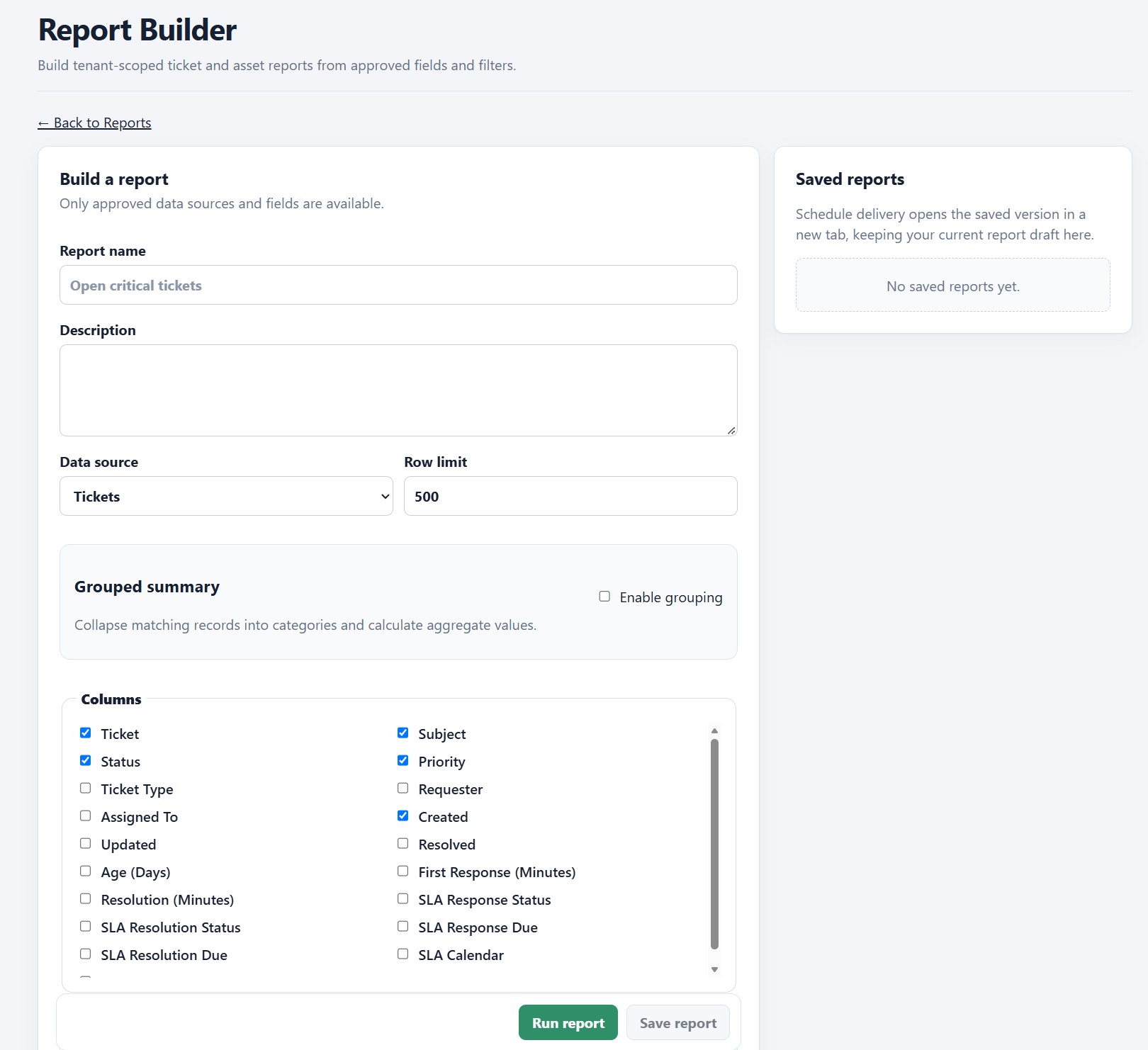
Pick your columns
Status, priority, requester, age, SLA timing, and more, for tickets or assets.
Group and summarize
Roll matching records into categories with totals, so the answer is one number, not 500 rows.
Save and schedule
Save a report and schedule its delivery, so it shows up without anyone remembering to run it. Included in the Enterprise plan.
Only approved data
Reports draw only from approved fields in your own workspace, so nothing leaks into a report that shouldn't.
Your numbers, from the same system that does the work.
Tickets, assets, and device data live together, so your reports don't depend on stitching three tools together.