Install software on any enrolled device, without walking to it.
Build a software package once, approve it, then deploy it to the devices that need it. Every enrolled device gets its own Device workspace, so its software, health, and history live next to its tickets.
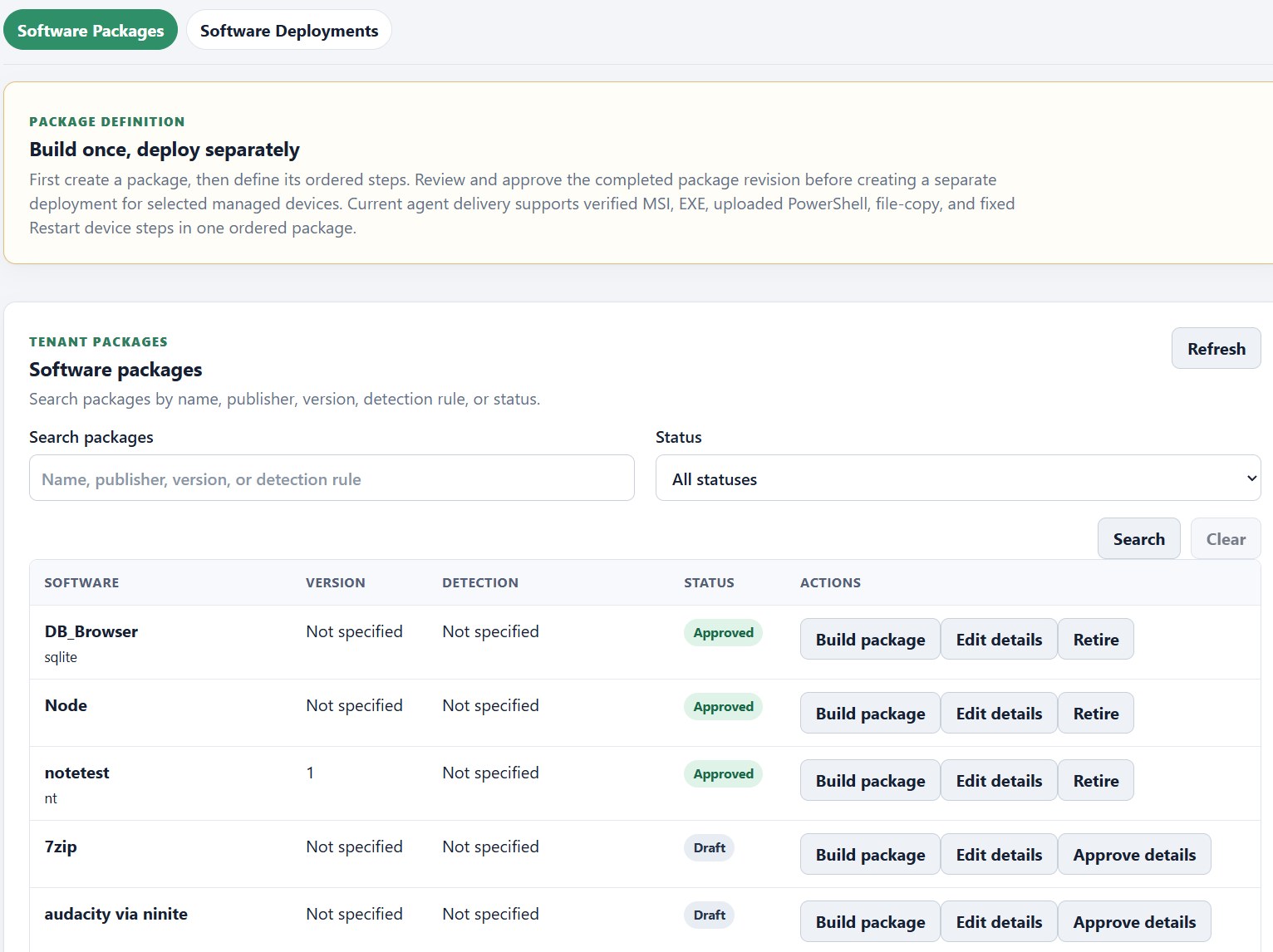
How a software rollout works
- 1
Build the package
Add ordered steps: a verified MSI or EXE installer, an uploaded PowerShell script, a file copy, or a restart.
- 2
Review and approve
Nothing reaches a device until the finished package is reviewed and approved. Drafts stay drafts.
- 3
Deploy to the right devices
Create a deployment for the devices or device groups that need it. One lab, one building, or everyone.
- 4
Reuse it next time
The approved package stays in your library, ready for the next new hire or reimaged lab.
Every enrolled device gets its own workspace.
Install the KaosDesk agent and the device gets a Device workspace: one place for everything you know about it and everything you can do to it.
Inventory
Hardware, installed software, and agent details, reported by the device itself.
Health and alerts
Monitoring policies flag problems so you hear about them before the user calls.
Groups and policies
Organize devices into groups and apply update, monitoring, and automation policies.
Remote View
On Windows devices, start a remote desktop session from the workspace. How it works →
Your help desk and your RMM, finally the same tool.
The device on the ticket is the device you deploy to. No syncing between two systems, no second login.